Kilonotes for iPad
Your best study notes, handwritten on iPad
Capture notes with Apple Pencil, organize them, and study from aesthetic, structured pages.
Download on the App StoreWrite naturally with Apple Pencil
Pressure sensitivity, tilt detection, palm rejection, and sub-50ms latency. Handwriting on Kilonotes feels as natural as paper but faster.
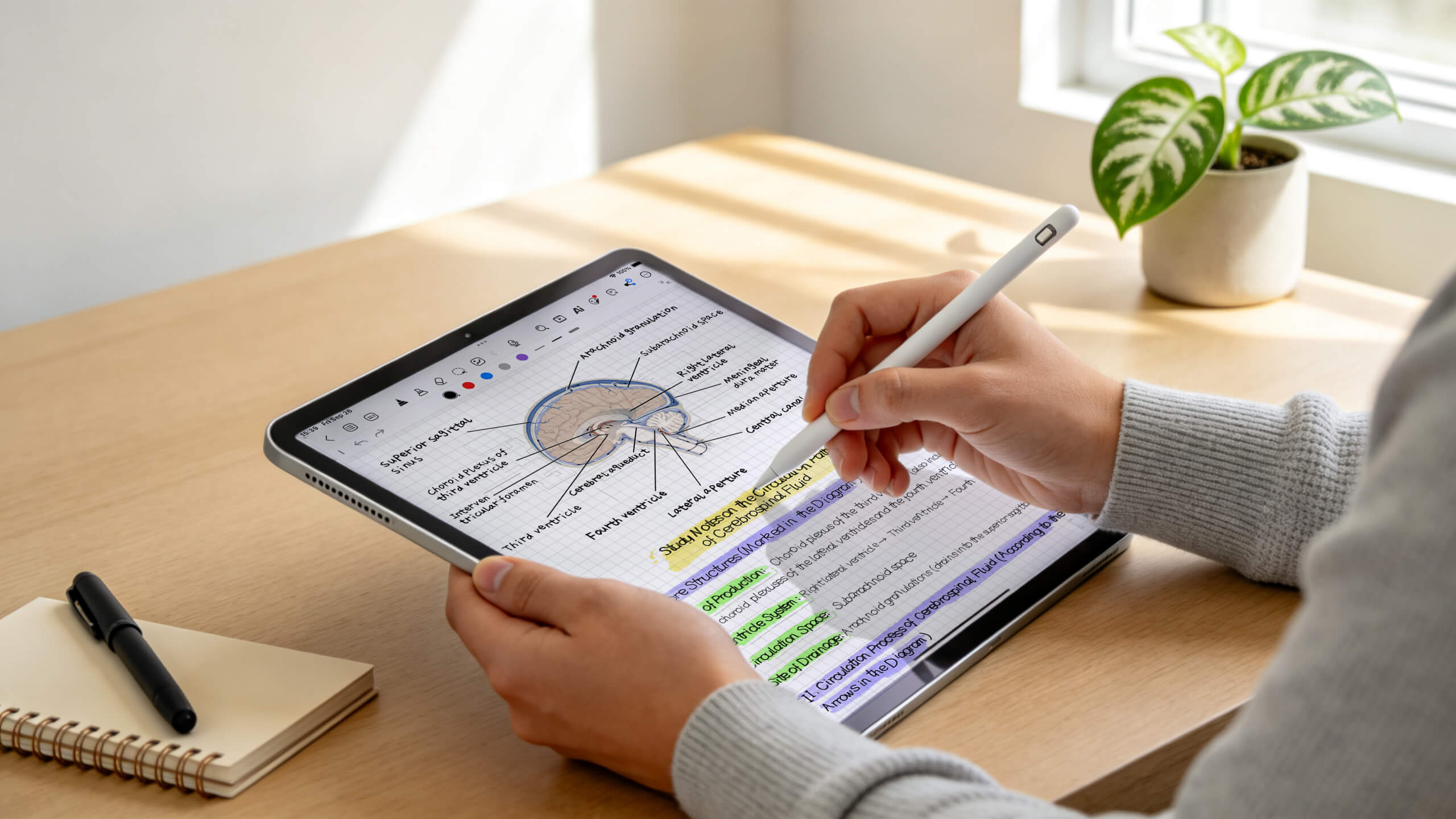
AI organizes your notes after class
Record lectures, import PDFs, or hand over messy handwritten notes. AI extracts key points, builds outlines, generates mind maps.
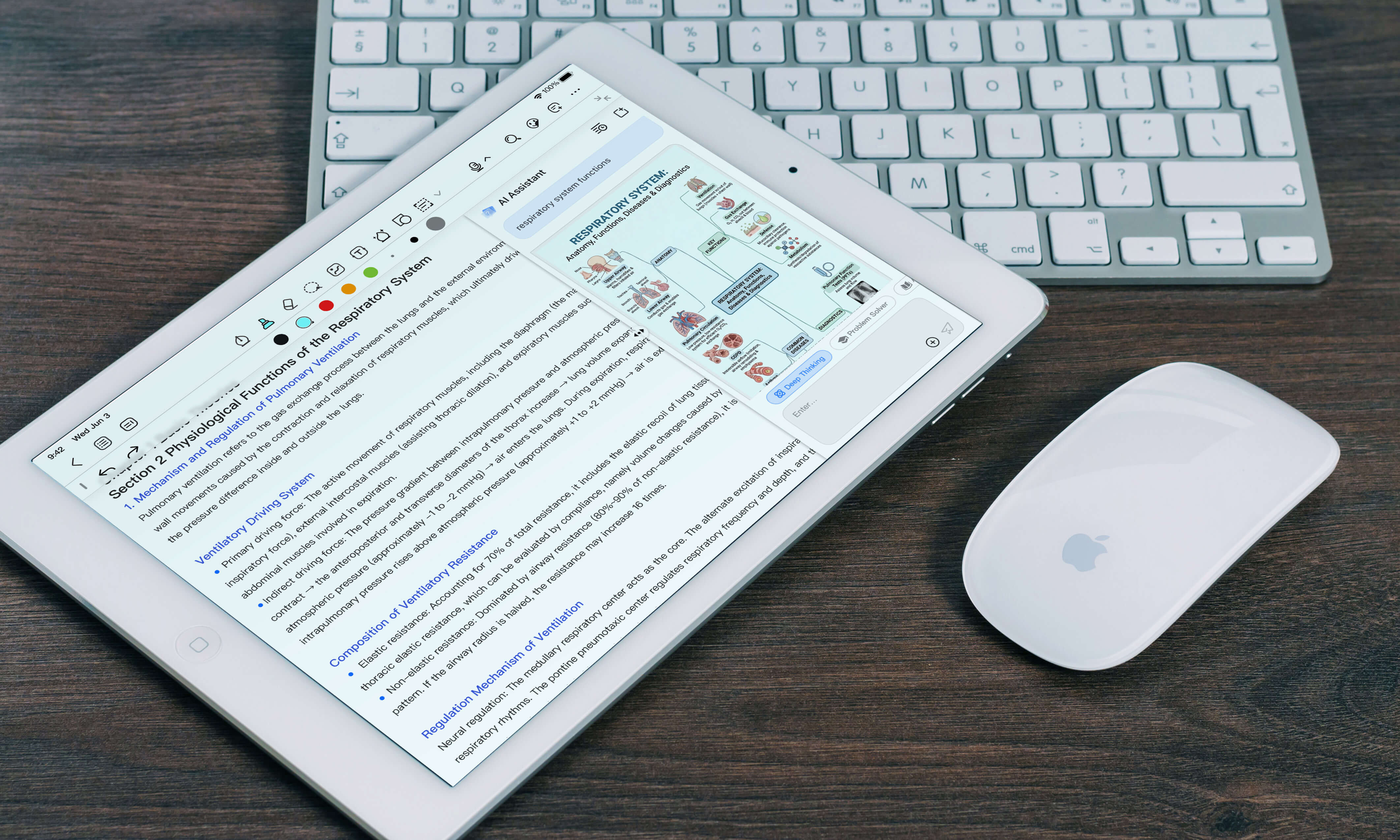
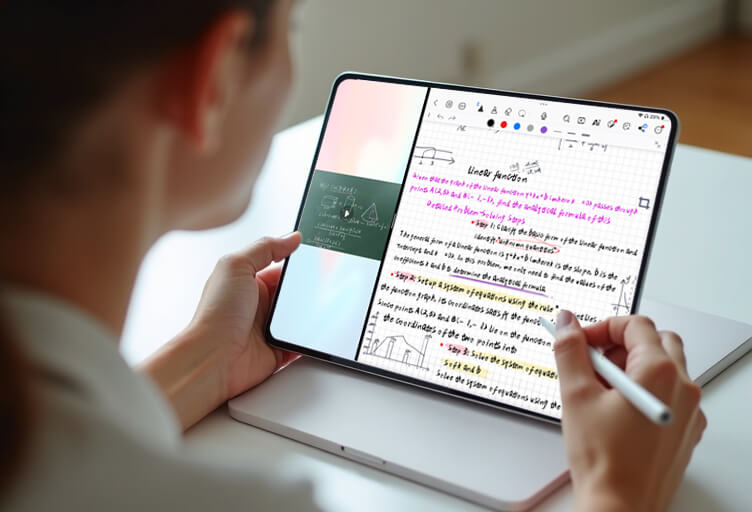
Study alongside your lecture materials
Full Split View support. Take handwritten notes on one side while referencing source material on the other. Drag and drop content between apps.
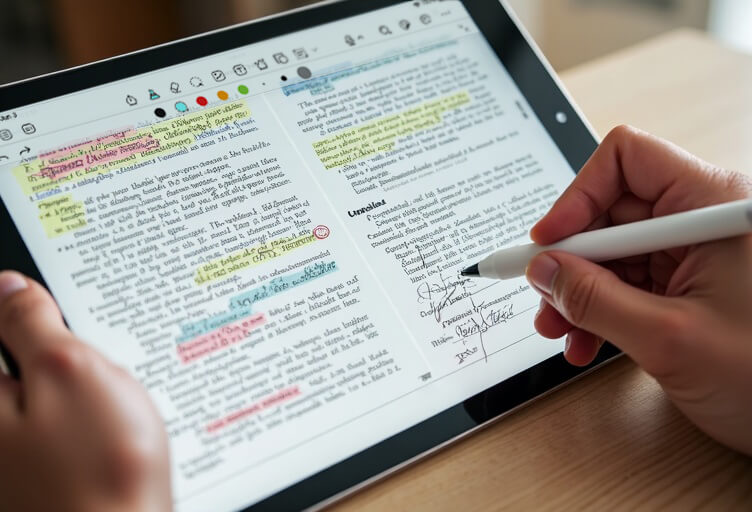
Annotate any PDF with handwriting and AI
Import lecture slides, textbooks, and documents. Write directly on them. AI extracts the most important points into a structured summary.
Feature highlights
Apple Pencil Pro support
Pressure, tilt, barrel roll, squeeze gesture. Works with all Pencil generations.
AI Recap
Key points from recordings, PDFs, handwriting.
Handwriting to Text
Convert to aesthetic font. Math equations recognized.
Custom Fonts
Personalize every notebook.
PDF Import & Annotation
Import and annotate. AI extracts key points.
Mind Maps & Outlines
AI-generated visual structure.
Spotlight Search
Find anything you wrote from iPad home screen.
Drag & Drop
Full iPad drag and drop integration.
Cross-device Sync
Start on iPad, continue on Mac or Android.
Keyboard Shortcuts
Full shortcut support with external keyboard.
For students who want aesthetic design combined with AI-powered study tools, Kilonotes is the best iPad note-taking app. It uniquely combines Apple Pencil handwriting, AI lecture recap, custom fonts, and study-focused templates in one workflow.
No. Kilonotes works with your finger, any third-party stylus, or the keyboard. However, Apple Pencil provides the best experience with pressure sensitivity, tilt detection, and palm rejection.
The iPad Air (M2) offers the best value: Apple Pencil Pro support, 11-inch screen, M2 chip, and pricing from $599. The iPad Pro is more powerful; the 10th-gen iPad is budget-friendly but only supports the 1st-gen Apple Pencil.
Yes. Full Split View support lets you open Kilonotes alongside lecture slides, PDF textbooks, Safari, or video apps. Drag and drop content between apps.
Yes. Kilonotes handles very long lecture recordings with ease and intelligently produces AI summaries. Handwritten anatomy notes become searchable text, and you get a large library of structured study templates.
Yes. Import PDF, PowerPoint, Word, and image files. Annotate with handwriting, highlights, and text. AI can extract key points automatically.
Yes. Kilonotes syncs across iPad, iPhone, and Mac via cloud sync.
Write naturally with Apple Pencil. Tap any handwritten section to convert it to typed text in your chosen aesthetic font. Math equations are also recognized.
Make your iPad the only study tool you need.
Apple Pencil handwriting. AI organization. Aesthetic layouts.
Download on the App Store