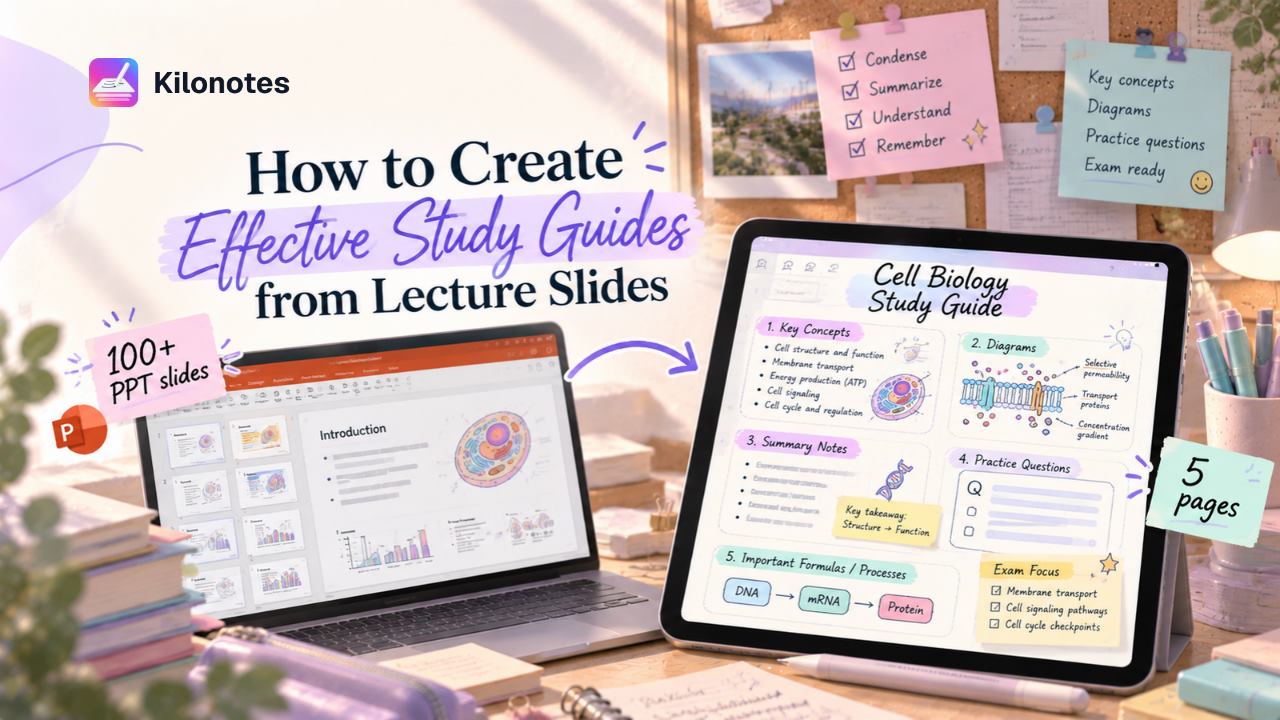
A hundred-slide lecture deck can make revision feel larger than it needs to be. Some slides introduce ideas, some illustrate them, and others repeat the same point through examples.
Copying every bullet into another document gives you a second version of the deck. A useful study guide requires more selection.
Your aim is to create a shorter resource that helps you explain and apply the material, while preserving a route back to the original slides.
Start with the learning objectives
Before summarizing, find the lecture objectives and any official assessment guidance.
Turn each objective into a question. “Understand opportunity cost” might become “How would I identify and explain opportunity cost in a new scenario?”
These questions become the structure of your guide.
If the lecture has no explicit objectives, use its main headings to draft a provisional list. Check uncertain priorities against the course outline or ask your lecturer.
Sort slides by function
Work through the deck once and identify:
- Core definitions, principles, and processes.
- Examples that demonstrate how to apply them.
- Exceptions or conditions that affect the answer.
- Supporting context you can revisit when needed.
Keep slide references beside your notes. A short entry such as “Lecture 6, slides 24–28” is enough to make the source easy to find.
Do not assume a slide is unimportant because it contains little text. A diagram or verbal explanation may carry the central point.

Summarize around questions
For each objective, write a brief explanation in your own words.
Then add one example and one question that tests application.
For a business topic, that might look like:
Question: How do fixed and variable costs affect a decision?
Explanation: A concise distinction between the two.
Example: A scenario from the lecture.
Practice: A new scenario requiring you to classify and justify costs.
This format gives each section something to do beyond storing information.
Use a page budget carefully
A five-page guide can be a useful target for a large deck, but the number should serve the content.
One possible structure is a page of key questions, two pages of core explanations, one page of worked examples, and one page of practice prompts.
Add space when the subject requires it. Do not remove an important assumption or shrink an equation until it becomes unreadable just to meet a page count.
Keep full derivations, lengthy cases, and detailed examples in the source material, with references from the guide.
Check what compression removed
Read the guide beside the original deck.
Have you preserved definitions accurately? Are units and conditions still present? Does the worked example explain why the method was chosen?
If AI helped produce the first summary, use the same checks. A fluent paragraph still needs to match the material you were taught.
Kilonotes supports importing and annotating PDFs, so a PDF version of your slides can remain available while you work through the key ideas. Kilonotes PDF and note-taking features.¹

Use the guide immediately
Close the source deck and answer your practice questions. Wherever you get stuck, improve the relevant explanation or add a source reference.
A guide becomes useful through that feedback. Finish the first version early enough to practise with it, rather than spending the final evening refining its layout.
Explore Kilonotes and start with one lecture deck. Build the smallest guide that helps you explain the topic clearly.
Footnotes
¹ Source: Kilonotes. “Features & Plans.” Accessed 21 October 2026. https://www.kilonotesapp.com/en/product