If your exam is close and your notes are messy, I’m going to save you a lot of stress: Do not rewrite everything.
When time is short, you need a method that produces quick results. The goal is high-yield understanding + fast recall, not perfect notebooks.
Here are practical tips you can start today.
The fastest strategy: build “Review Pages”
Instead of rewriting chapters, create one Review Page per topic.
A Review Page takes 10–15 minutes and should include:
- key points (8–12 bullets)
- key terms (5–10)
- one structure (outline or mind map)
- 2 examples (or 1 worked problem)
- 5 recall questions
- 1 “mistake I keep making” line
These pages become your entire revision system.
Tip 1: write headings as questions
Change:
- “Supply and demand” To:
- “What shifts demand, and what changes quantity demanded?”
Question headings force your brain to learn answers, not just label pages.
Tip 2: use AI to compress first, then you study
If you have recordings, PDFs, or long notes, AI should create your first draft.
Use this prompt for a fast summary:
Summarize this topic into 10 bullets and 8 key terms. Then give me 5 exam traps. Keep it simple and test-focused.
Use this prompt for structure:
Create a one-page outline with headings and subheadings. Then give a mind map layout with 4 to 6 branches.
In Kilonotes: you can record a lecture or revision session, generate a recap and structure, then format it into a clean Review Page.
Tip 3: follow the one-highlight rule
Pick one highlight color for:
- definitions
- formulas
- “will be tested” items
If everything is highlighted, nothing is.
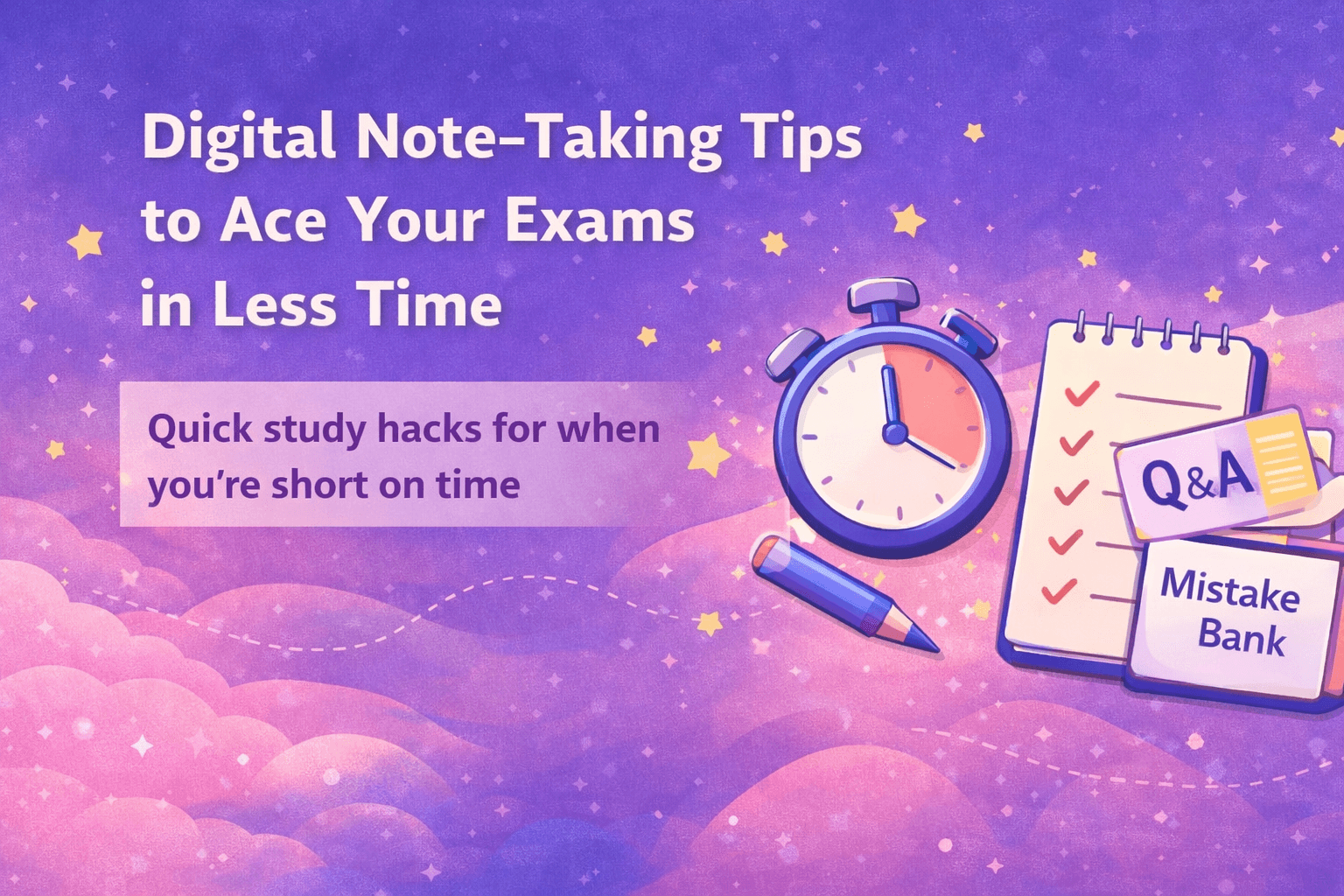
Tip 4: make a “Mistake Bank” (this is the secret weapon)
Create one page called:
Mistakes I Keep Making
- what I did wrong
- why it happened
- correct method
- one quick example
Reviewing this page daily is ridiculously effective.
Tip 5: turn every page into a mini quiz
At the bottom of every Review Page, add:
- 5 recall questions (no notes allowed)
- 2 application questions
- 1 “explain in 3 sentences” prompt
This is how your notes stop being passive.
Tip 6: time-box your plan so you don’t spiral
If you have 24 hours
- 60 min: build 3–5 Review Pages (summary + structure + tidy layout)
- 90 min: practice questions
- 30 min: Mistake Bank
- 60 min: retest recall questions
- sleep (seriously)
If you have 3 days
Daily (2–3 hours):
- 30 min: Review Pages for weak topics
- 60 min: practice questions
- 20 min: Mistake Bank
- 10 min: retest recall questions
If you have 7 days
Daily (1.5–2 hours):
- 20 min: Review Pages
- 60 min: practice questions
- 20 min: mistakes and weak areas
- 10 min: quick recall retest
Tip 7: keep your notes motivating to open again
When you’re stressed, messy notes feel impossible.
Keep them clean and calming:
- consistent headings
- enough spacing
- 2–4 colors max
- one template per subject
Aesthetic isn’t extra when it helps you come back and revise.
A fast exam workflow inside Kilonotes
- Record class or your revision session
- Generate a recap and structure with AI
- Apply your Review Page template
- Annotate PDFs and pull key text with OCR when needed
- Add recall questions and a mistake line
- Revise using the questions first
If you’re short on time, your best move is simple: let AI speed up the organizing, and use your energy for practice and recall. That’s what moves scores. And that’s exactly the kind of study workflow Kilonotes is built to support.