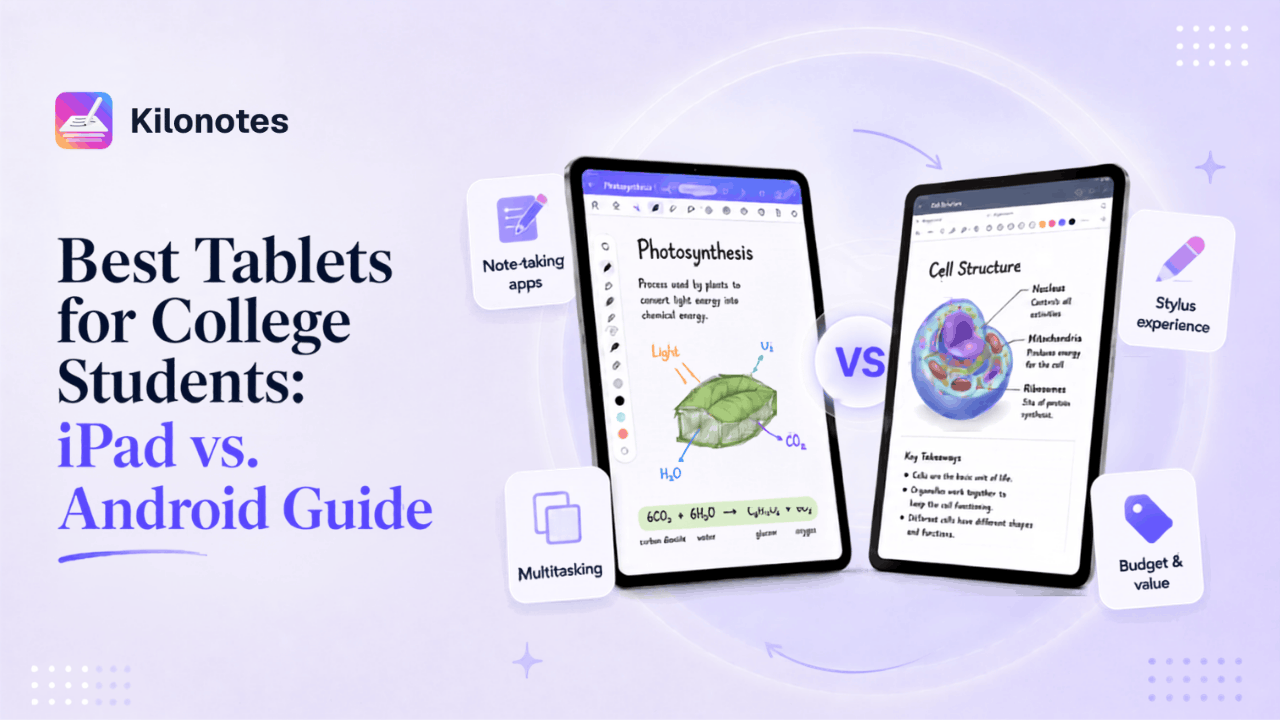
Buying a tablet for university is one of those decisions that feels enormous while you're making it and then quietly shapes four years of how you study. It's also a decision most buying guides get wrong, because they lead with benchmark scores and camera specs — neither of which will matter to you at 9am in a lecture hall.
What actually matters is narrower than the spec sheet suggests: how the pen feels, how long the battery lasts through a full day of classes, and whether the apps you need run properly. Get those three right and almost any modern tablet will serve you well. Get them wrong and you'll own a very expensive video player.
This guide compares the two ecosystems that matter — Apple's iPad line and the Android tablet market — specifically through the lens of a student who intends to take handwritten notes every day. No brand loyalty, no spec-sheet theatre.
Already decided on iPad? Skip ahead to The Ultimate iPad Setup & Essential Apps for University.
Start with your workload, not the spec sheet
Before comparing devices, be honest about what your degree actually demands. Three rough profiles cover most students:
Lecture-heavy (humanities, law, business). You write a lot, fast, for hours. You need excellent pen latency, all-day battery, and a screen large enough to write comfortably without constant scrolling.
PDF-heavy (medicine, sciences, engineering). You live inside hundreds of pages of slides and papers. Screen size and RAM matter more here, because you'll be annotating dense documents and running two things side by side.
Mixed and mobile (most people). You want something light enough to carry all day, good enough to write on, and cheap enough that you're not terrified of dropping it.
Almost nobody needs the most powerful tablet on the market. Most students need the one with the best pen and the longest battery.
The iPad side
Apple's advantage is consistency. Every current iPad has a good screen, strong battery life, and — crucially — the deepest library of mature handwriting apps available on any tablet platform.
Which iPad actually makes sense
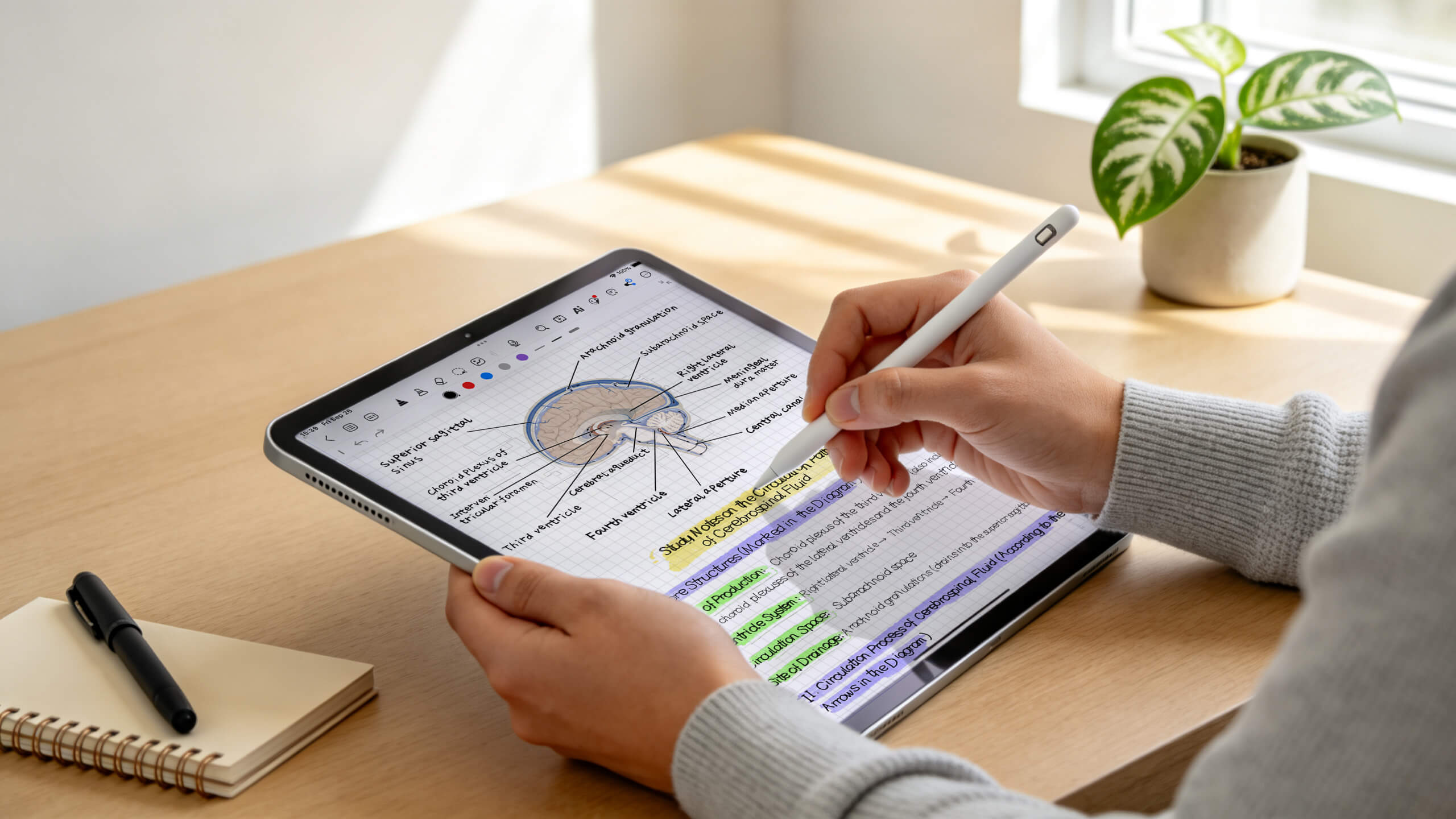
The iPad Air is the sensible default for most students. It supports Apple Pencil Pro, comes in 11-inch and 13-inch sizes, and has far more performance than note-taking requires. The 11-inch is the sweet spot for carrying to class; the 13-inch is worth it if you're PDF-heavy and want to read a full slide at readable size.
The iPad Pro is genuinely excellent and genuinely overkill for note-taking. Buy it if you're also editing video or doing serious design work. Don't buy it because you want your notes to feel nicer — they won't.
The entry-level iPad is the budget pick, and it's a real one. The catch is pen support: Apple Pencil Pro is only compatible with the iPad mini (A17 Pro), the iPad Air 11-inch and 13-inch (M2, M3 and M4), and the iPad Pro 11-inch and 13-inch (M4 and M5).¹ The base iPad works with other Pencil models, but you'll miss the newer pressure and gesture features.
One timing note: Apple typically refreshes the Air in the spring, so if you're buying in late summer you're buying near the end of a cycle. That usually means discounts on current stock rather than a reason to wait.
The Apple Pencil question
The Pencil is sold separately, which is a real cost most comparisons gloss over. Budget for it — writing on an iPad with your finger is not note-taking, it's finger painting. Apple Pencil Pro adds pressure, tilt, barrel roll and a squeeze gesture, and the difference is noticeable if you shade diagrams or switch tools constantly.
The Android side
Android tablets used to be an easy dismissal. That stopped being true, and the reason is Samsung.
Which Android tablet actually makes sense
The Galaxy Tab S11 is the best-value Android tablet for most students, and the 11-inch model is the one to get if you're carrying it daily.
The Galaxy Tab S11 Ultra is the standout for anyone who reads dense material: a 14.6-inch AMOLED display at 120Hz and up to 1600 nits, powered by a Dimensity 9400+, starting around $899 for 256GB.² That's a genuinely enormous canvas for annotating lecture slides — closer to working on paper than anything in Apple's line.
Beyond Samsung, Lenovo's Tab P series is a reasonable budget alternative, and any tablet running Android 12 or later will run modern note-taking apps.³
The S Pen advantage
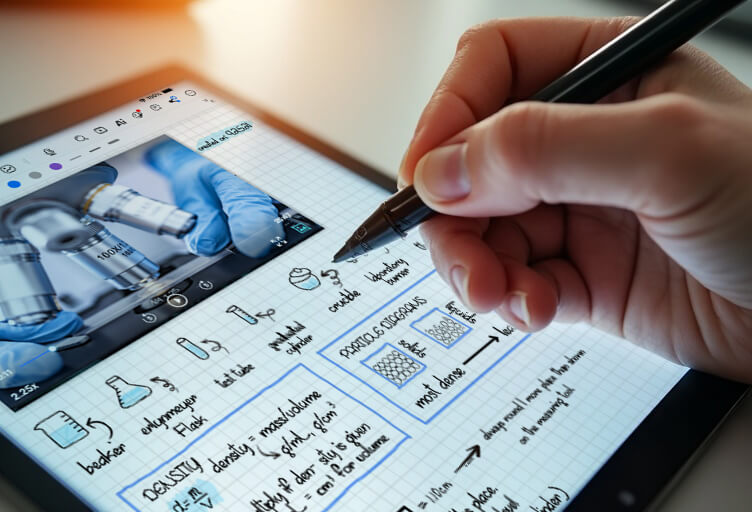
Here is Android's clearest win: Samsung includes the S Pen in the box. It has sub-25ms latency, never needs charging, and the current generation uses a hexagonal barrel that's more comfortable for long sessions.²
Compare that with an iPad, where the pen is a separate purchase you also have to keep charged. Over a four-year degree that's a meaningful difference in both cost and daily friction.
The four specs that actually matter
Ignore everything else on the comparison table and check these:
Pen latency. Anything under about 30ms feels like writing. Above that, you'll notice the ink chasing your hand.
Battery life. You want a full teaching day — realistically 8+ hours of mixed use — without hunting for a socket.
Screen size. 11 inches is the comfortable minimum for handwriting. Go to 13–14 inches only if you're annotating full-page PDFs constantly.
Palm rejection. Non-negotiable. Without it you cannot rest your hand while writing, and no amount of processing power compensates.
Notice what isn't on that list: chip generation, RAM, and camera. For note-taking, they're close to irrelevant.
So which should you buy?
Buy an iPad if you're already in Apple's ecosystem, you want the widest choice of mature handwriting apps, or you value resale value — iPads hold it remarkably well.
Buy a Samsung Galaxy Tab if you want the best value, you'd rather not pay extra for a pen, or you want the largest possible screen for reading and annotating.
Buy the cheaper one if you're genuinely undecided. The gap between these ecosystems is now much smaller than the gap between using a good note-taking app and a bad one.
The app matters more than the hardware
This is the part most buying guides skip. Two students with identical tablets can have completely different experiences depending on what they run on them — and the research on why handwriting helps in the first place is about the act of writing, not the device you write on.⁴
Kilonotes is built for exactly this situation, because it runs properly on both. On iPad you get Apple Pencil Pro support with sub-50ms ink latency, Split View, and Spotlight search. On Android you get full S Pen support with pressure sensitivity, palm rejection and Bluetooth button shortcuts, plus the same AI recap, handwriting-to-text, custom fonts and PDF annotation.⁵ Your notes sync across both, so if you switch platforms later, your work comes with you.
That's the practical case for not agonising over this decision: pick the hardware that fits your budget and your hand, then make sure the software doesn't lock you in.
Ready to set up whichever tablet you chose? Download Kilonotes free — it works on iPad and Android, so you can decide the hardware question later.
For Android buyers specifically, our walkthrough on how to annotate PDFs on Android tablets with the S Pen covers the lecture-slide workflow in detail.
Footnotes
¹ Source: Apple, "Apple Pencil compatibility with iPad models." https://support.apple.com/en-us/108937
² Source: Tom's Guide, "Best Samsung tablets in 2026: expert tested and rated." https://www.tomsguide.com/best-picks/best-samsung-tablets
³ Source: Kilonotes, "Kilonotes for Android." https://www.kilonotesapp.com/en/android
⁴ Source: Pam A. Mueller and Daniel M. Oppenheimer, "The Pen Is Mightier Than the Keyboard: Advantages of Longhand Over Laptop Note Taking." Psychological Science. https://journals.sagepub.com/doi/abs/10.1177/0956797614524581
⁵ Source: Kilonotes, "Kilonotes for iPad." https://www.kilonotesapp.com/en/ipad