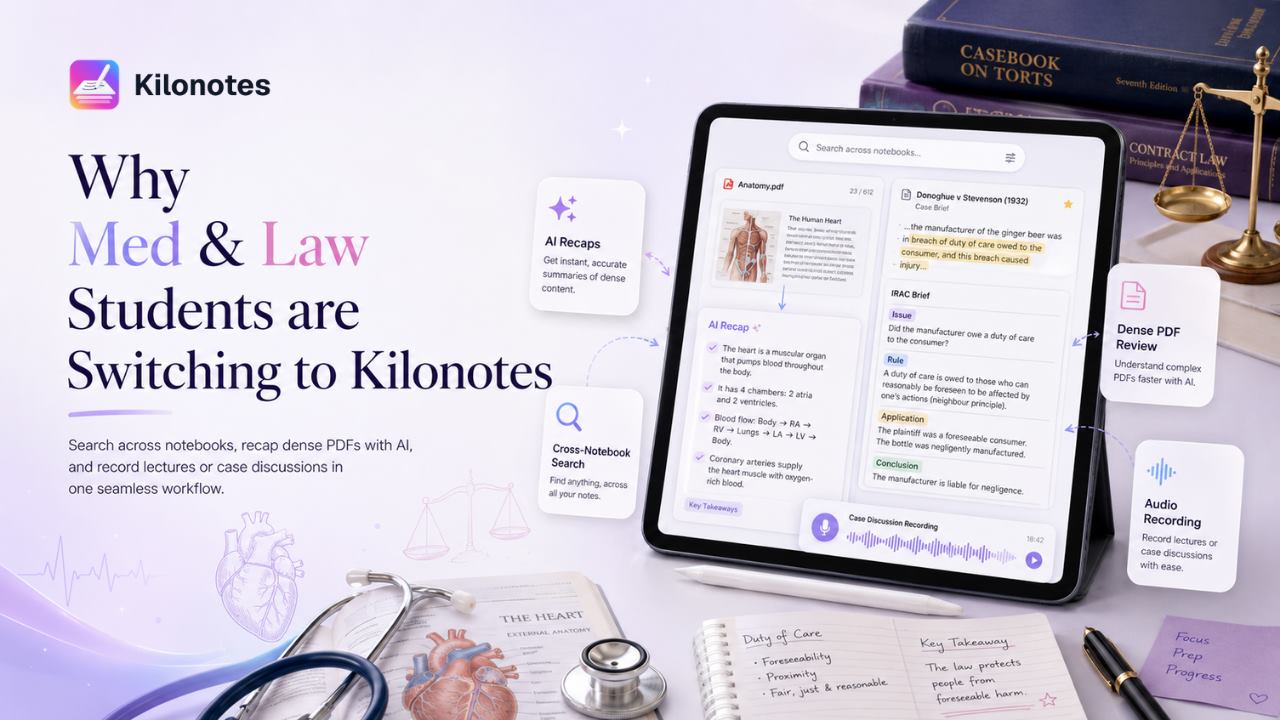
Medicine and law look like unrelated degrees. Structurally, they set students almost the same problem.
Both front-load enormous volumes of dense source material — 40 to 60 pages of lecture content in a single medical block, or a week of case opinions running to a couple of hundred pages of tight prose. Both examine synthesis rather than recall, so notes taken in October have to remain usable in May. And both operate on a schedule where falling two weeks behind is genuinely difficult to recover from.
Most note-taking apps are built for a lighter workload than that. They assume a notebook, a stylus, and a manageable amount of material. This article covers the three specific points where that assumption fails for high-volume degrees, and what solving them properly looks like.
If you're at the start of this, our guide on how to survive your first year of medical school covers the study system that sits underneath the tooling.
Problem one: the archive you can't search
This is the failure that costs the most and gets noticed the latest.
In second year of medicine you need something from a first-year lecture. In April of a law module you need every case that applied a particular test. In both situations the information exists — you wrote it down — but it's inside a handwritten notebook among thirty others, and it is functionally unreachable.
Standard apps search typed text and filenames. They don't search your handwriting, which in these degrees is where most of your thinking lives.
What solves it: handwriting indexed automatically across every notebook, so a query returns hits from any block or module you've ever written. Kilonotes indexes handwriting across all notebooks, and on iPad it surfaces in Spotlight, so you can search from the home screen without opening the app.¹ ²
The practical difference is that your first year becomes an asset in your third rather than a box of paper you never open.
Problem two: dense PDFs that resist annotation
Medical students annotate atlases, slide decks and papers. Law students annotate opinions and statutes. In both cases the source document is the primary material, not a supplement to it.
Two things go wrong with most tools. Heavy files stutter — a 300-slide deck with embedded imaging loads badly and lags exactly when you need to keep up. And annotations get flattened into the page on export, which means your marginal reasoning stops being searchable or editable and becomes part of the image.
What solves it: importing PDFs and writing directly on them with a stylus, and AI extracting the key points from the document so you have a condensed version to revise from alongside the full text.²
For law specifically, that extraction step is the difference between re-reading a forty-page judgment in revision week and reviewing a structured summary while going back to the full text only where your own confusion marks are.
Problem three: lectures that move faster than you can write
A fast lecturer in a dense block will outrun handwriting. You can capture the structure or the detail, rarely both, and the parts you miss are often the asides — how a test is really applied, which detail actually matters clinically — that never appear in any slide or reading.
What solves it: recording, with AI transcription and summarisation handling the parts your hand couldn't. Kilonotes records with one tap and transcribes and summarises automatically, and AI recap pulls key points out of recordings, PDFs and handwriting alike.²
The workflow that emerges is: write structure and your own thinking during the lecture, let the recording carry verbatim detail, then merge them afterwards into a single reviewable page.
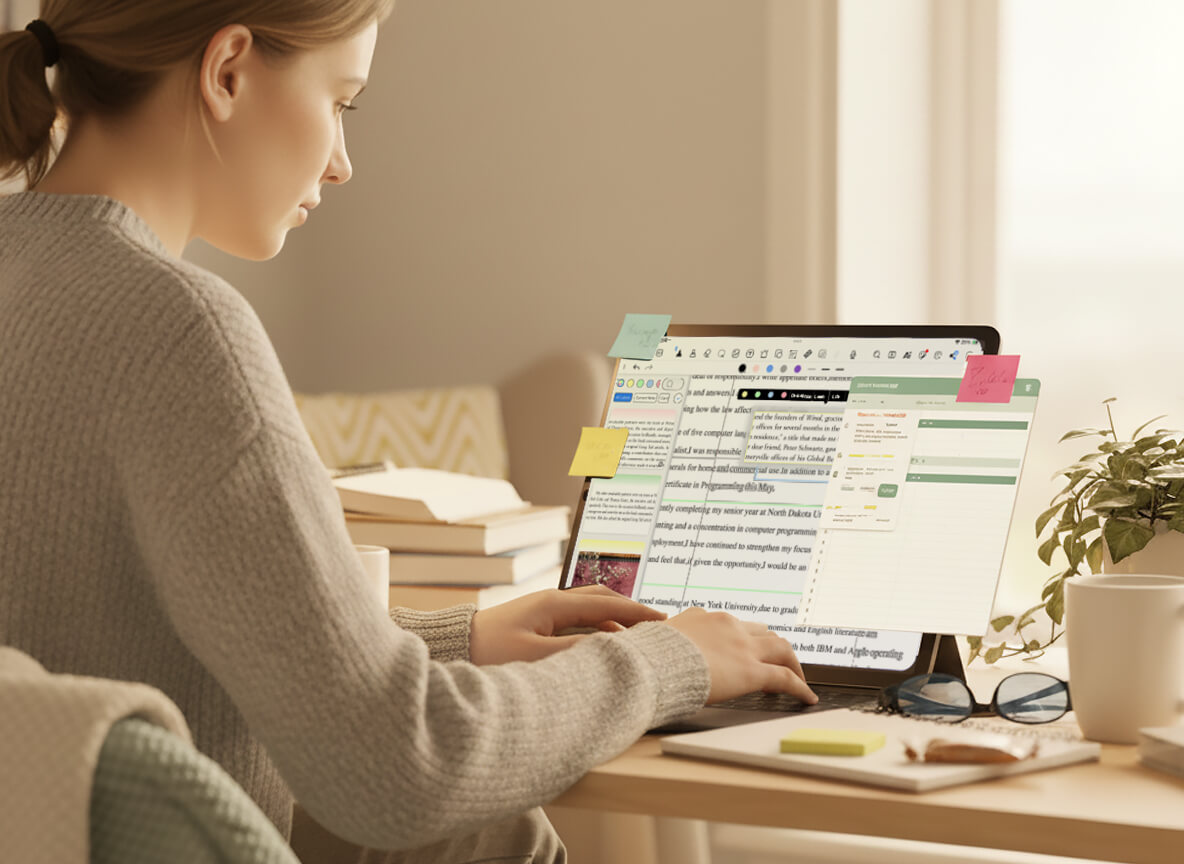
What the whole pipeline looks like
Individually these are features. Together they're a system, and the sequence is what matters:
Capture — handwrite during the lecture or while reading, recording in parallel.
Recap — AI extracts key points from the recording, the PDF and your handwriting.
Structure — outlines and mind maps turn raw notes into an organised shape.
Polish — handwriting converts to clean text in a font you choose, with maths equations recognised for the STEM side of a medical curriculum.
Retrieve — everything indexed and searchable, permanently.
Step five is the one that compounds. The first four save you time this week; the fifth is what makes a three-year archive usable.
Where it fits against the alternatives
Briefly, because the full three-way comparison lives elsewhere.
Notability links recordings to your handwriting, so you can tap a word and jump to that moment — the best implementation of that idea anywhere — and its Notability Learn suite generates study guides, quizzes and flashcards from notes, PDFs and recordings. It reached Android in August 2026,³ so it is no longer Apple-only. GoodNotes is the most established option, runs on iPad, Mac, Windows, Android and Web, and has the best-stocked first-party template marketplace.
Be clear-eyed about this: all three now have credible AI study features and all three run on Android. Kilonotes is the stronger fit on two narrower grounds — cross-notebook handwriting search that treats years of notes as one queryable archive, and control over how converted text actually looks, via custom fonts.² Those matter most when the bottleneck is volume and retrieval rather than note-taking itself.
If your workload is moderate, any of the three will serve you; the differences only start to matter at medicine-and-law volume. For the detailed feature-by-feature breakdown, see GoodNotes vs. Notability vs. Kilonotes.
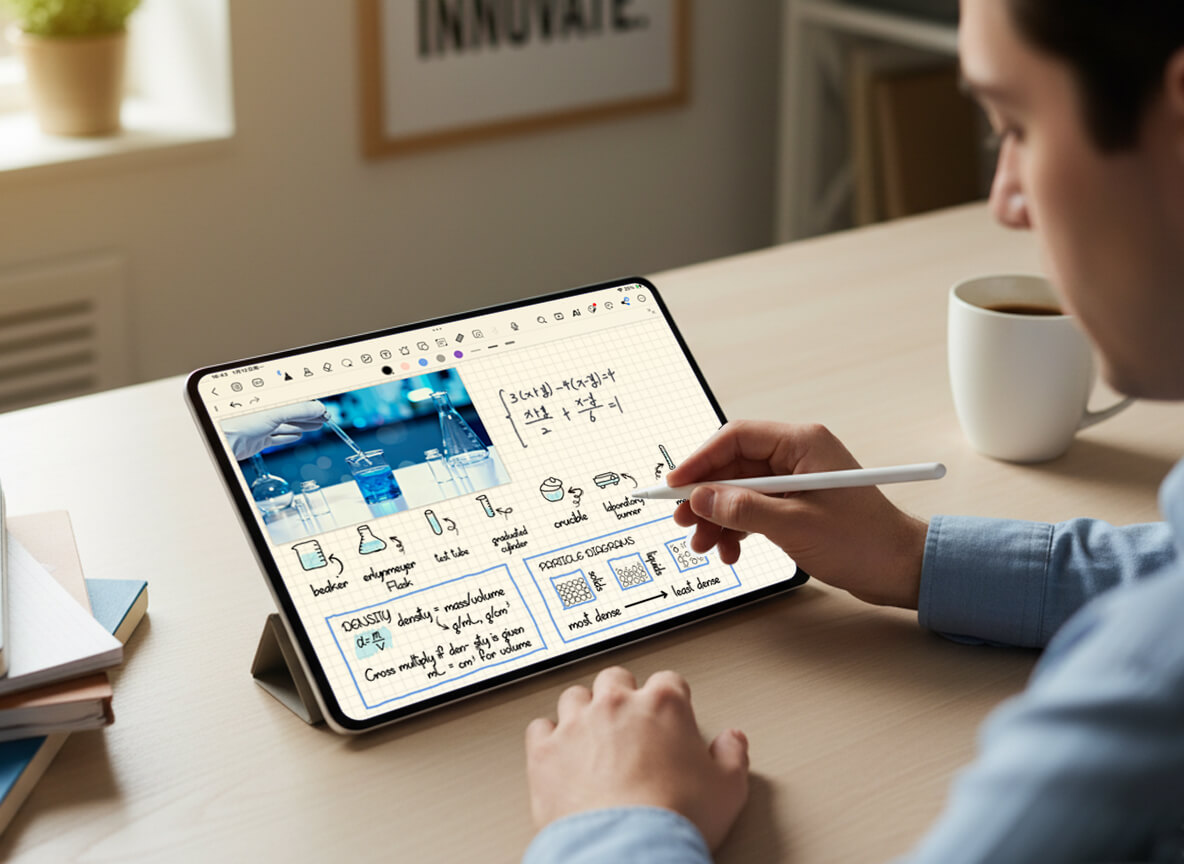
Try it against your real workload
Feature lists don't settle this — your own material does. The honest test takes an afternoon:
Import the heaviest PDF you own and annotate a few pages. Watch for lag.
Record one lecture and check whether the recap is something you'd actually revise from.
Write a page of real notes at real speed, convert it, and see if the output is usable.
Then search for something you wrote at the start of the session.
For what it's worth as context rather than proof: Kilonotes holds 4.6 stars across roughly 4,900 App Store ratings in the US, and has passed 10 million downloads on Google Play.⁴ The four tests above should decide it, not the star count.
Download Kilonotes free on iPad or Android. Handwriting, PDF annotation and handwriting search are in the free tier, with the AI features on a trial allowance — enough to run the whole test before committing to anything.⁵
Footnotes
¹ Source: Kilonotes, "Kilonotes for iPad." https://www.kilonotesapp.com/en/ipad
² Source: Kilonotes, "Features & Plans." https://www.kilonotesapp.com/en/product
³ Source: Ginger Labs, "Notability Brings Fully Native, AI-Assisted Note-taking To Android," 11 August 2026. https://www.businesswire.com/news/home/20260811736505/en/Notability-Brings-Fully-Native-AI-Assisted-Note-taking-To-Android
⁴ Sources: Apple App Store listing for Kilonotes (id1514322479), US storefront, retrieved 12 August 2026; Google Play listing for com.topstack.kilonotes.pad. https://apps.apple.com/us/app/kilonotes-notes-mark-up-pdf/id1514322479
⁵ Source: Kilonotes, "Features & Plans." https://www.kilonotesapp.com/en/product