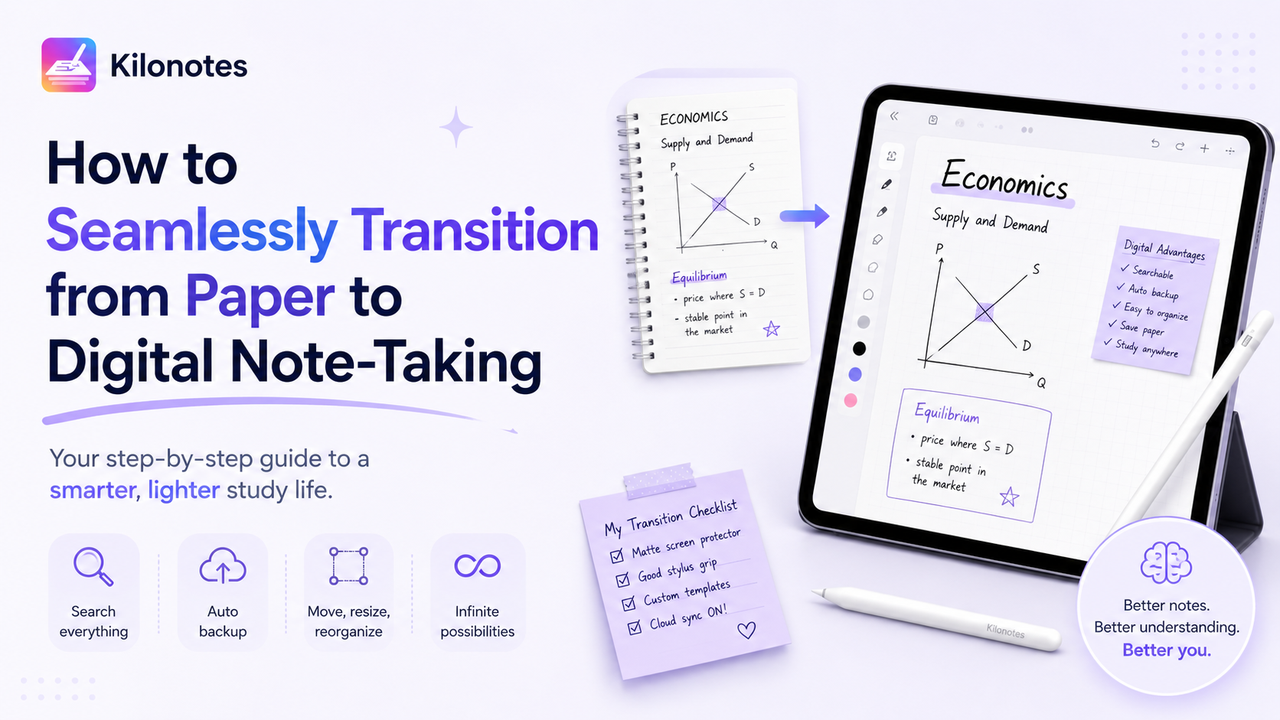
Making the leap from traditional notebooks to an iPad or Android tablet can feel incredibly daunting. While the allure of carrying your entire academic life on a single pane of glass is undeniable, many students struggle with the initial awkwardness of writing on a slick digital surface.
If you are caught in the classic paper vs digital notes dilemma, you are not alone. The friction of adopting new technology often causes students to abandon their tablets and revert back to heavy backpacks. However, by properly customizing your setup, you can bridge the gap between the satisfying tactile feel of paper and the unparalleled power of digital tools.
Here is a practical, step-by-step guide on digital note taking and how to transition without sacrificing the joy of handwriting.

Step 1: Understand the Massive Digital Advantages
Before tweaking your tablet, it helps to remind yourself why you are making this switch. Transitioning requires a shift in habits, but the payoff is immense:
- Universal Searchability: Unlike physical notebooks, digital note-taking apps feature Optical Character Recognition (OCR).() This means you can type "mitochondria" or "supply and demand" into a search bar, and the app will instantly scan your handwritten notes to find every instance of that word.¹
- Automatic Cloud Backups: Spilling coffee on a physical notebook right before finals is a catastrophe. Digital apps automatically sync to Google Drive, iCloud, or OneDrive, ensuring your notes are safe and accessible from your phone or laptop.()
- Infinite Flexibility: When transitioning to digital planners and notebooks, you gain the ability to copy, paste, resize, and move your handwriting.() If you need to add a paragraph of information into a crowded page, simply lasso your text and drag it down to make room.
Step 2: Fix the "Glass Problem" with Matte Screen Protectors
The biggest hurdle for most students is the physical sensation of writing on a tablet. A hard plastic stylus tip gliding across a smooth, glossy glass screen feels slippery, uncontrolled, and completely unnatural.
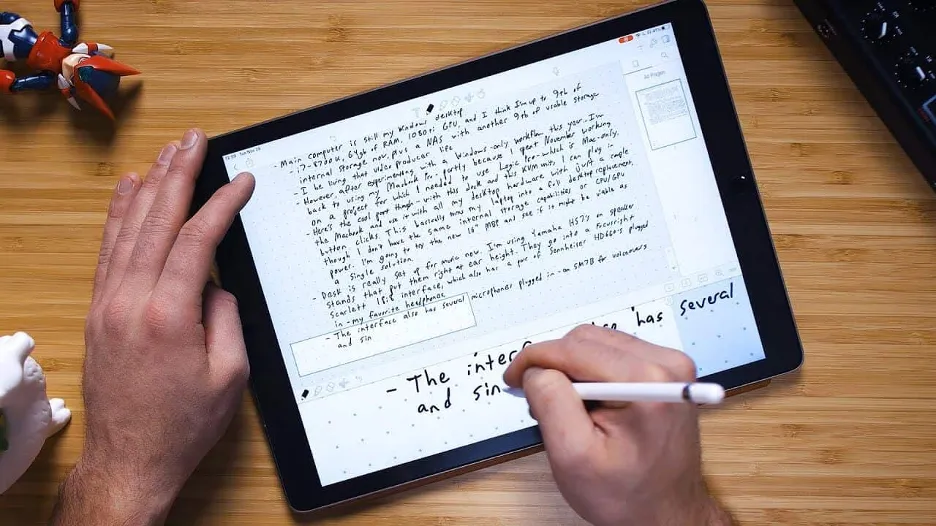
To maintain the tactile feel of analog writing, you need to introduce friction.
The Solution: Paper-Feel Screen Protectors
Matte, paper-feel screen protectors (like Paperlike, Rock Paper Pencil, or generic PET matte films) are engineered with micro-textures that replicate the "tooth" or grain of actual paper.² When your stylus glides over them, they provide a satisfying physical resistance and even emit a subtle scratching sound, tricking your brain into feeling like you are writing in a real notebook.()
Pro-Tip: While matte protectors dramatically improve handwriting control, they can slightly reduce the screen's sharpness and brightness.³ If you use your tablet heavily for watching high-definition movies or graphic design, consider a magnetic, removable paper-feel protector that you can snap on only when you are studying.()
Step 3: Upgrade Your Stylus Experience
The tool you use to write is just as important as the surface you write on. If you are using an Apple Pencil or a Samsung S Pen, there are a few ways to customize the hardware:
- Silicone Grips: Traditional pens have ergonomic grips; most tablet styluses are just smooth metal or plastic cylinders. Adding a cheap silicone sleeve can prevent hand cramping during three-hour lectures.
- Replacement Nibs: If a textured screen protector isn't enough, you can swap out the default tip of your stylus. There are fine-point metal nibs available that, when paired with a matte screen protector, precisely mimic the narrow point and feel of a ballpoint pen.()
Step 4: Replicate Your Favorite Paper Layouts
Going digital isn’t about changing how you study—it’s about upgrading it. Digital notes completely eliminate the restrictions of standard paper, allowing you to customize your canvas from top to bottom.
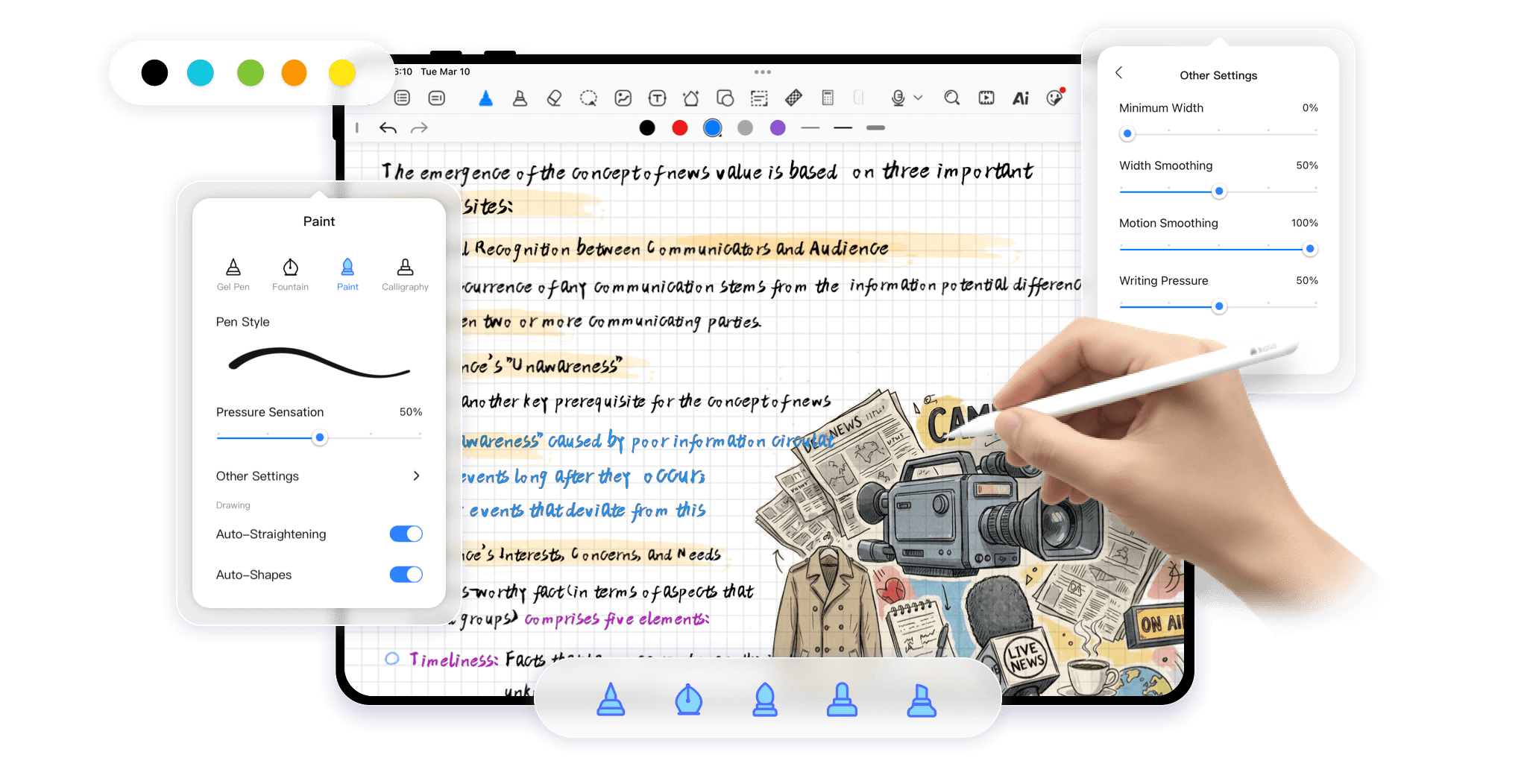
- Endless Customization: Skip the endless internet searches for generic PDF templates. With Kilonotes, you can dive straight into a built-in template and sticker marketplace.
- Aesthetic Meets Function: The marketplace features massive collections of functional layouts and decorative elements tailored to any study vibe—whether you want a clean, minimalist academic look or a vibrant, creative aesthetic.
- Total Versatility: Instantly load anything from classic dot-grid and college-ruled layouts to specialized weekly planners.
Pro Tip: You can easily combine this aesthetic freedom with proven cognitive frameworks. Use these custom digital templates to master the structured strategies found in The Ultimate Guide to Note-Taking Methods for College Students.
Final Thoughts on Making the Switch
Transitioning from paper to digital note-taking doesn't have to be a painful, all-or-nothing process. Start by digitizing just one class to get used to the workflow. Invest in a matte screen protector to eliminate the slippery glass feeling, and rely on cloud backups for peace of mind. By customizing the physical feel and digital layout of your device, you will quickly discover that taking notes on a tablet isn't just a replacement for paper, it's a massive upgrade.
Still trying to figure out which device is right for you? Check out our Best Tablets for College Students: iPad vs. Android Guide to make an informed decision.
Footnotes
¹ Source: Paul Farrand, Fearzana Hussain, and Enid Hennessy, "The efficacy of the 'mind map' study technique".() https://www.researchgate.net/publication/11344656_The_efficacy_of_the_'mind_map'_study_technique
² Source: Pam A. Mueller and Daniel M. Oppenheimer, "The Pen Is Mightier Than the Keyboard: Advantages of Longhand Over Laptop Note Taking".() https://journals.sagepub.com/doi/10.1177/0956797614524581
³ Source: Allan Paivio, "Imagery and Verbal Processes". https://www.taylorfrancis.com/books/mono/10.4324/9781315798868/imagery-verbal-processes-paivio