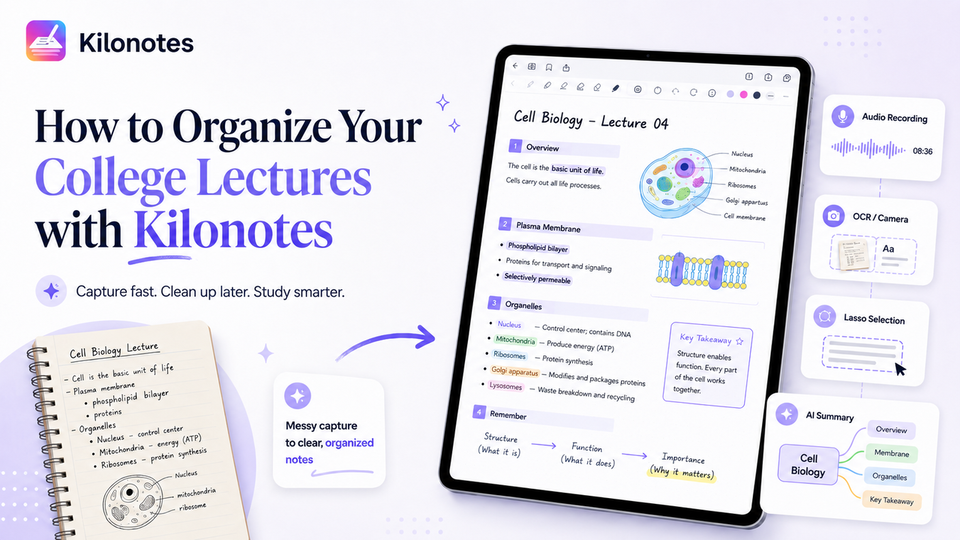
Every college student knows the panic of a fast-paced lecture. The professor is flying through slides, you are frantically scribbling down half-sentences, and by the end of the hour, your notebook looks like an unreadable jumble of ink. When midterms roll around, trying to study from that chaos is practically impossible.
The traditional solution is to waste hours manually rewriting everything. But with digital note-taking, you can skip the busywork.
In this Kilonotes tutorial, we will show you exactly how to use Kilonotes to capture raw, messy lecture data in real-time and instantly transform it into flawlessly clean, aesthetic, and highly structured study pages.
Here is your actionable, step-by-step guide to mastering your semesters.
Step 1: Capture the Chaos (Real-Time Strategies)
During class, your only goal is speed. Do not worry about making things look pretty; Kilonotes gives you the tools to capture everything without running out of breath.
- Hit "Record" First: As soon as class starts, tap the audio recording feature. Kilonotes links your handwriting to the audio playback. If you are scribbling fast and miss a crucial concept, you can simply tap your handwritten note later to hear exactly what the professor said at that exact second.
- Use the OCR & Camera Tool: If the professor puts a massive wall of text on the projector, do not try to write it all down. Snap a picture, drop it directly onto your Kilonotes canvas, and use the Optical Character Recognition (OCR) feature to instantly convert the image into editable, searchable text.()
- Expand Your Paper Limits: One of the most frustrating things about traditional notebooks is running out of space mid-thought. If your lecture goes off on a tangent, use the Paper Margin Adjustment tool or the Super Whiteboard feature to instantly create extra canvas space on the margins of your page.
Step 2: Clean and Reorganize (Post-Lecture Review)
Once you are back in your dorm, it is time to organize lecture notes into a logical structure. This is where Kilonotes outshines physical paper.
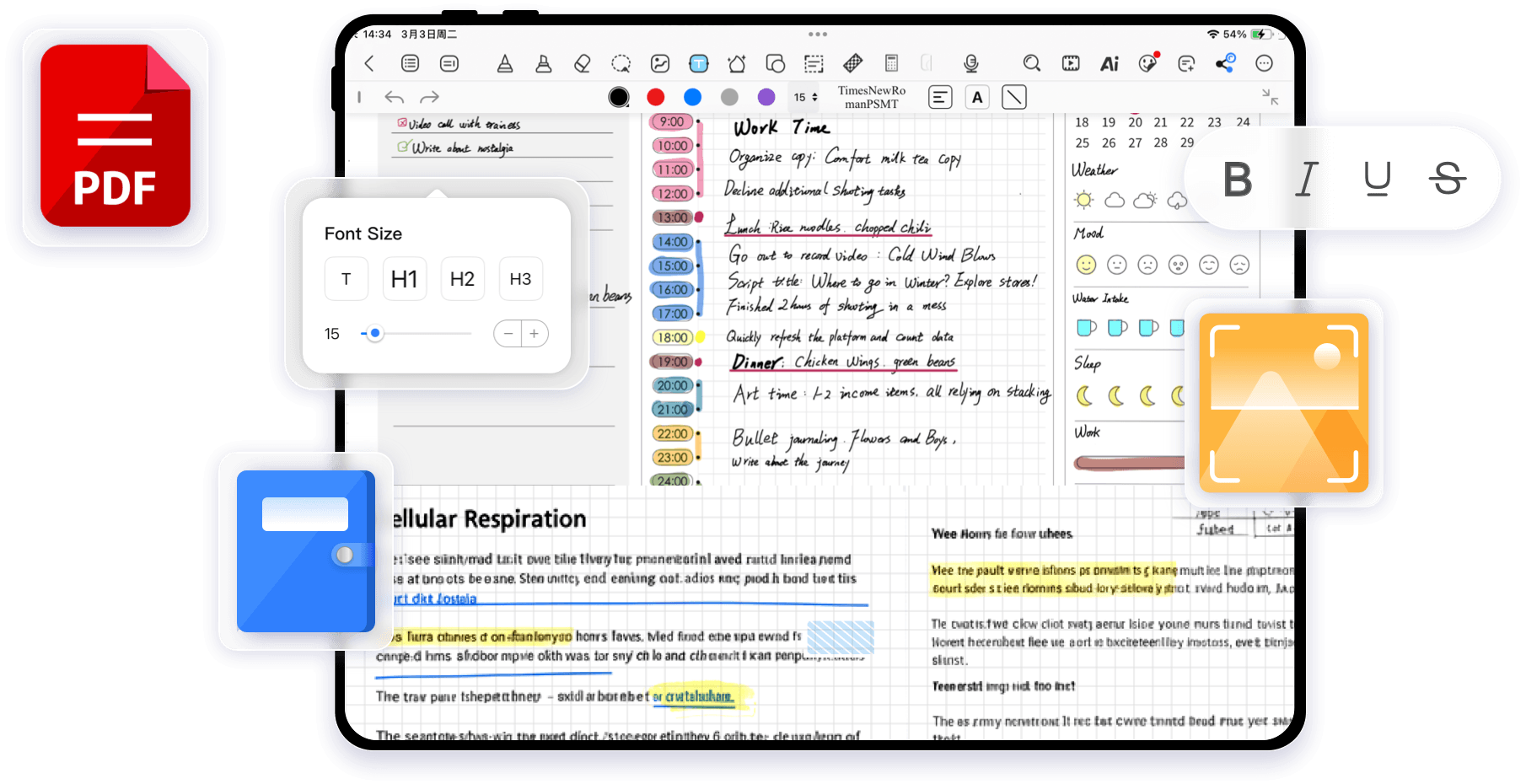
- Master the Lasso Tool: You do not need to erase and rewrite to fix bad formatting. Select the Lasso tool, circle a messy block of text or a poorly placed diagram, and simply drag it to a new location. You can resize it, rotate it, or align it perfectly with your other notes.
- Apply a Proven Template: Did you just write a massive brain-dump of information? You can change your notebook's background template retroactively. Swap your blank page to a structured format—like a Cornell layout or a Mind Map grid—and move your lassoed text into the appropriate columns.
- Need help choosing the right structure? Check out The Ultimate Guide to Note-Taking Methods for College Students to find the perfect framework.
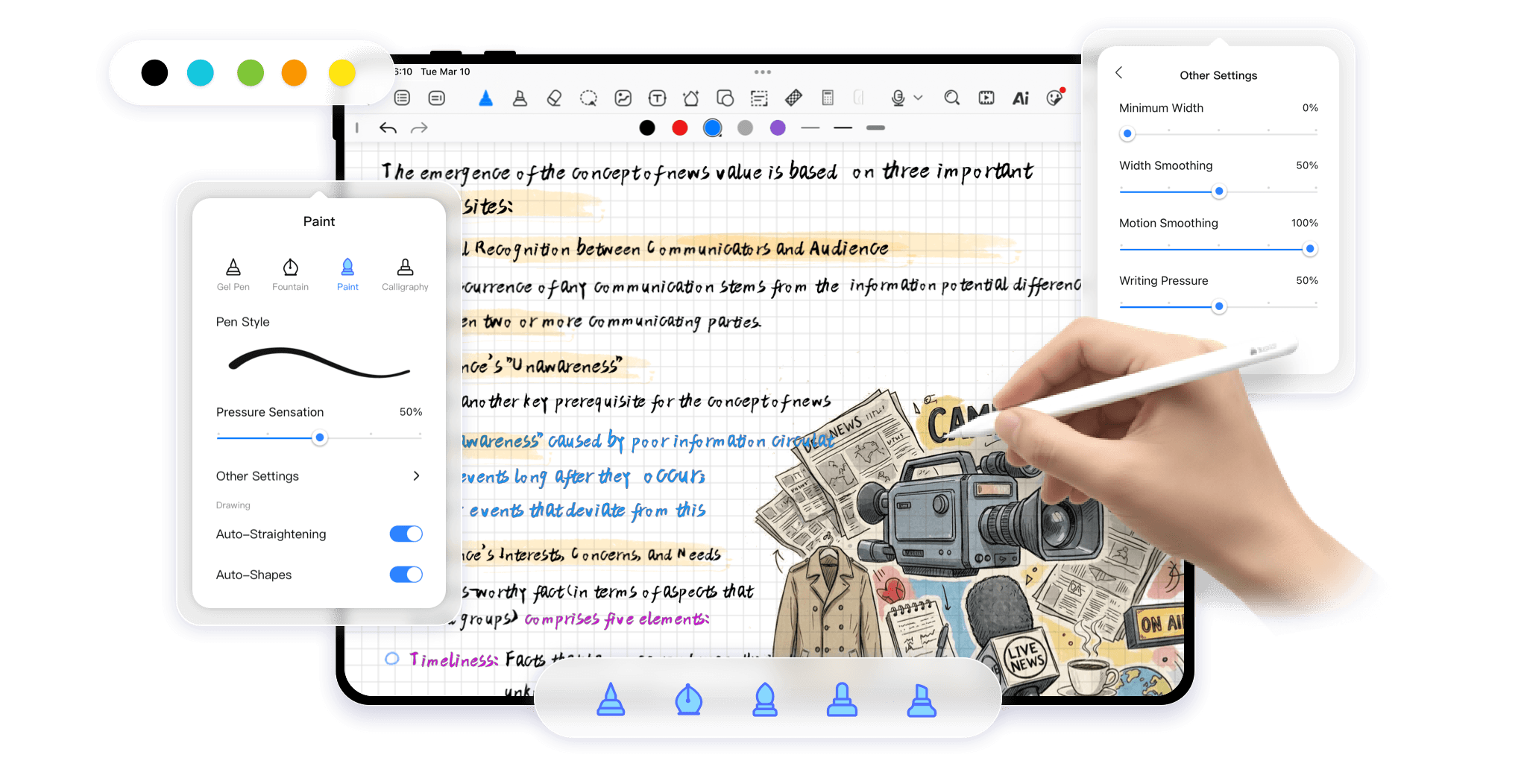
- Color-Code with Precision: Go back through your gray or black ink and use the highlighter and custom brush tools to color-code. Turn your main topics blue, vocabulary words pink, and essential formulas red.
Step 3: Upgrade for Active Recall
Aesthetic notes are great, but the ultimate goal is memory retention for your final exams. Kilonotes has built-in features to turn static notes into active study guides.
- The Tape Tool (Flashcards): This is a game-changer for active recall. Use the Tape tool to cover up key definitions, answers, or formulas with a digital strip of tape. When you are reviewing for your exam, simply tap the tape to reveal the answer underneath. It instantly turns your lecture page into a custom flashcard deck.
- Aesthetic Stickers for Visual Cues: The brain remembers images better than text. Access the Kilonotes sticker store to drop visual cues (like exclamation points for warnings, or lightbulbs for core concepts) next to critical information.
- Leverage the AI Assistant: If your notes are still feeling dense, you can use the built-in AI tools. Highlight a massive block of your transcribed audio or text and ask the AI Assistant to generate a summary or a mind map to help you digest the core concepts faster.
Ready to Transform Your Study Sessions?
Stop losing hours of your life to disorganized, messy handwriting. By capturing the raw data with audio and OCR, reorganizing with the Lasso tool, and reviewing with the Tape tool, you can build a customized, highly effective knowledge base for every class.
Ready to ditch the heavy backpack and start studying smarter? Download the app today and explore all the features on Kilonotes to turn your tablet into the ultimate college survival tool.
Footnotes
¹ Source: Kilonotes, "Kilonotes Official Website & Feature Guide". https://www.kilonotesapp.com/en
² Source: Douglas L. Nelson, U.S. Reed, and J.R. Walling, "Pictorial superiority effect". Journal of Experimental Psychology: Human Learning and Memory. https://www.researchgate.net/publication/22152101_Pictorial_superiority_effect
³ Source: Jeffrey D. Karpicke and Henry L. Roediger III, "The Critical Importance of Retrieval for Learning". Science. https://www.science.org/doi/10.1126/science.1152408